Scene Composer: scored to your scene
Describe what happens on screen. AI Enhance and Auto-Assign analyze emotion and pacing, then make the musical decisions behind three score variants. No musical training needed.
The AI film scoring studio
Loading
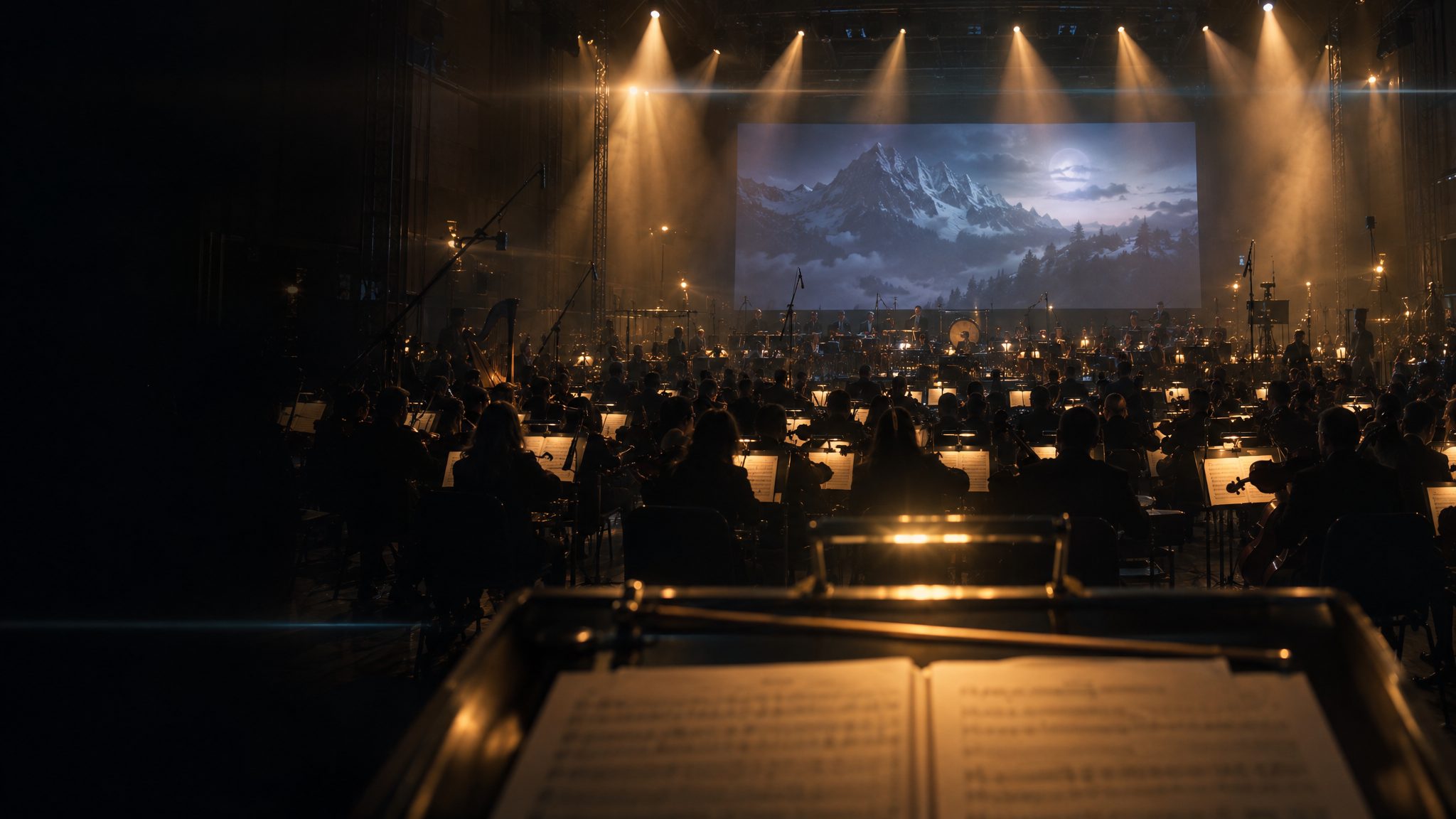
Invitation-only AI film scoring studio
Describe your scene. Get three original score interpretations, then download finished, tempo-locked 16-bit / 48 kHz stereo WAV music that drops straight into your timeline. This is original music—not prompts, stock tracks or generic AI music.
Two ways to work
Start with a moment in the Scene Composer, or use the Editor’s Toolkit to create a project-wide library of cues in one pass. Either way, you get finished original music shaped for your picture.
Describe what happens on screen. AI Enhance and Auto-Assign analyze emotion and pacing, then make the musical decisions behind three score variants. No musical training needed.
Build a project library of stingers, transitions, beds and signature cues from your project’s musical identity—ready for the moments your edit needs.
Create cues from 5 seconds to 6 minutes. Tempo-locked sections land with the picture; Dialogue-Safe and Background Underscore help music stay out of the way of speech. Segmented cues re-edit cleanly on bar lines.
Choose the interpretation that fits your cut, then regenerate as many takes as you need to find the right musical moment.
Set your project’s genres, story arc and instrument palette once. Every scene and cue inherits those choices, keeping the music coherent across the project.
Render finished music from any score variant as 16-bit / 48 kHz stereo WAV. Keep presets and takes organized in the Sonic Vault, with audio delivered through a global CDN.
Hear the idea take shape
Describe what’s happening, how it feels and how the scene moves. AI Enhance and Auto-Assign handle the musical decisions, so you can focus on the picture.
The Scene Composer analyzes emotion and pacing, then creates three score variants with distinct musical choices. Pick one and regenerate takes until it fits.
Generate finished music and download a tempo-locked 16-bit / 48 kHz stereo WAV designed to drop into your timeline.
For the people shaping the picture
From a single edit to a complete project cue library, ScoringToolkit gives every role a direct way to shape original music.
Request Studio AccessGet music shaped around your cut, with tempo-locked sections and cues you can re-edit cleanly when the picture changes.
Create an original score for your film without a scoring session, and guide the sound with your scene and project details.
Use a fast sketchpad to explore three interpretations, generate takes and keep a project’s musical identity consistent.
Build a full library of stingers, transitions, beds and signature cues on demand, shaped by the project’s musical identity.
The Journal
Nov 23, 2026 · How to choose a film score direction for a documentary scene before developing cues
A practical checklist for choosing a score direction before developing a documentary cue. Define the scene’s emotional turn, pacing, musical references, and fit with the larger film.
Nov 17, 2026 · How to choose a film score direction before composing a scene cue
A practical checklist for deciding what a scene’s music should do before cue development begins. Align emotional intent, pacing, aesthetic references, musical parameters, and project-wide defaults.
Nov 4, 2026 · How to brief a film score around a scene’s emotional turn and pacing
A practical checklist for describing what a scene’s score should do as emotion and pacing change. Use it to give directors, editors, and composers a clearer starting point for shaping music around the cut.
ScoringToolkit is invitation-only. Request Studio Access to tell us about your work and ask for an account.